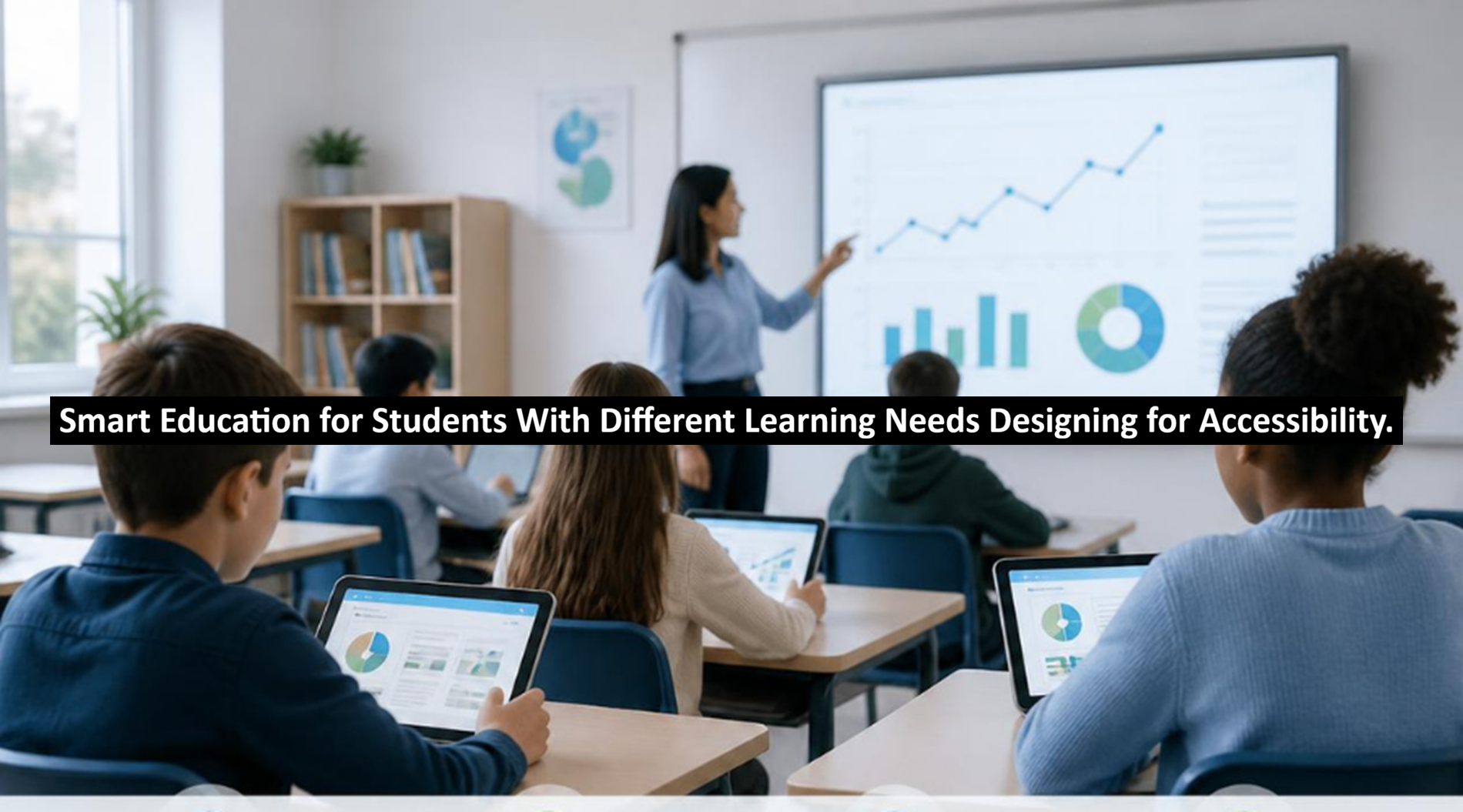
Online education continues to gain in popularity, but having access to technology doesn’t mean that learning will be equivalent. It is important to have many means for students to participate and express themselves in their technology learning environments, as well as many different means to keep focused and involved. Many types of abilities exist among students, such as students who may have a disability or one that falls in an area that doesn’t allow them the same learning opportunity. It is best to incorporate various teaching styles, which afford students a more convenient means of flexibility.
The evolution of digital and blended education is also affecting the wider Higher Education Market as institutions place greater importance on digital transformation, flexible learning and inclusion. Organisations like Expert Market Research and Informes De Expertos analyse developments in the education and related sectors, highlighting a broader interest in the impact that technology, changing learner expectations and demographic trends are having on the educational system. As the changes continue, accessibility is becoming less of an optional feature and more of a fundamental consideration in educational design.
Rethinking What Smart Education Means
The term smart education is heavily linked with artificial intelligence, connected devices, online learning, virtual classes, and customized learning systems. However, more technological devices would not result in a smart learning environment.
A “smart” learning environment acknowledges the individualities among the learners, providing alternative means of accessing information, alternative pace, and, whenever applicable, alternative method(s) in which to express the understanding gained.
For a student with difficulty absorbing large amounts of printed information, a teacher can present the same information with additional use of audio presentation, a diagram, or a hands-on activity. Another student could require captioning, keyboard navigation, or extended time to interact with online material.
An entirely new course would not need to be prepared for every student, but teachers should endeavor to anticipate and remove perceived obstacles while still maintaining a rigor in the course objectives.
Read: Career Planning After Graduation: Steps Every Student Should Follow
Why Accessibility Belongs at the Start of the Process
Accessibility can at times be conceived of as nothing more than a ‘technical add-on’. Sometimes after a course has been finalised, perhaps a site has alt-text added; maybe contrast or closed captions are done by the day that a course is meant to launch; however, accessibility strategy takes more than a technical checkbox.
The Web Content Accessibility Guidelines (WCAG) created by The World Wide Web Consortium shape accessibility in four principles (perceivable, operable, understandable, and robust). Alt text, keyboard navigation, understandability, including predictability of navigability through to assistive technologies, all come under WCAG.
In a learning environment, such a principle of accessibility has to span a course, and it may well have a totally accessible website, yet difficulties may be present in downloadable documents in how screen readers interpret them or where there are no closed captions on videos or presentations that are non-intuitive through complex courseware presentations or miswritten quizzes or dependence on an interface needing a mouse. This leads to the approach that accessibility should be built as a central point into designing, developing, authoring, and assessing rather than just having accessibility as a problem-solving phase.
Understanding That Every Learner Is Different
Different learners cannot be treated as a single collective group; their needs can be wildly different even in the same disability or learning difference. For instance,e a visually-impaired learner may be seeking screen-reader compatible materials or text which has alternatives to graphics. A hearing-impaired person will need captioned and transcribed text. A dyslexic might seek an easily broken-down structure and easily adjustable text or text-to-speech.</b>
Those with attention or executive-function difficulties may seek easily predictable navigation, divided sections, and explicit instructions. Motor-impaired students need keyboard and speech commands and alternative input mechanisms. Accessibility can also be helpful to second language speakers; simple instructions, visuals, and a glossary can help. It is generally best to ensure that choices are given to students instead of making any assumptions that one particular tool will suit the needs of all learners.
How Universal Design for Learning Can Help
The principles of Universal Design for Learning, often referred to as UDL, are a helpful way to consider differences among learners. Developed by CAST, UDL provides educators with a structure to plan lessons with the expected differences between learners in mind as opposed to having a lesson built on “average”.
The principle itself has three main tenets that focus on engaging learners, presenting information (representation), and allowing them to display what they have learned (action & expression). So in practical terms it means: students are offered varied means in which to interact with the lesson, to understand what they are to learn and to show that they have learned something.
For instance, a lesson plan might incorporate not just written instruction but also diagramming and audio-recorded presentation of content. They might be able to view short tutorials explaining the information written on the screen rather than just looking at the notes without supplemental visual aid. They might be able to have recorded versions to revisit rather than rely solely on an in-person presentation.
Not that educators have to lower the learning outcomes. Using this approach, educators are able to separate the learning objective from interference that is not directly correlated with what the learner should know.
Where Technology Can Make a Difference
A diversity of technologies is available to provide varying levels of assistance to students with diverse needs. But this is only helpful if it has been implemented and used in a suitable manner. Screen readers: The importance of screen readers (converting digital text into speech or braille) and text-to-speech (converting written material into speech) is of great interest to some students with vision loss, and it can also help many students who find a lot of text reading difficult.
But even very efficient and helpful screen readers may be severely hampered by inaccessible digital content (inaccessible websites – badly labeled buttons, poorly formatted documents and lack of descriptions on images can all result in inaccessible material).
Speech to text: greater access. Another aspect that can increase access is speech-to-text software (allowing the student to type by dictating or issuing instructions to the system by voice). The student who has difficulty with typing should find that their physical effort can be reduced using this software, enabling them to concentrate on the information rather than the input requirements. Captions and transcripts: additional support Captions (that can be switched on or off by the student) will be an obvious benefit to many deaf and hard-of-hearing students but also to students in noisy environments and/or those working with technical and jargon-filled language. Transcripts offer the further advantage of enabling the student to select, search and revisit individual parts of lessons/ lectures.
Adjustable digital presentation: The ‘adjustability’ of the digital presentation can be further helpful.
The size of font, letter spacing and contrasting colours will certainly help many students to work more easily on the digital format,t but again they would not substitute for sound fundamental design.
The Growing Role of Artificial Intelligence
The importance of AI in relation to educational accessibility will only increase from this point forward. Learning tools which utilize AI, for example by undertaking automatic transcription, language support, personalized explanations, adaptivecontent generationand so on.
To pupils with varying special educational needs, ds this brings great opportunities to engage with the curriculum. For example, a student who is a less able learner could be offered support in the form of an explanation of a particular concept using very simple language, or they could make use of a transcript of spoken material.
There are also significant challenges to bear in mind. Automatically-produced information could contain factual inaccuracies, be over-simplified and potentially lead to misleading or biased explanations. Issues are also raised relating to the safeguarding and use of pupil data by certain systems.
Due to this, it would seem more beneficial to look at AI, not as a replacement teacher or additional educational professional, but as a piece of supporting technology and one that would continue to require the input of skilled teachers or support staff in judging the veracity and usefulness of any automated explanations or recommendations.
Making Digital Learning Materials Easier to Use
Little design changes make a big difference to learning.
Use headings so students get a sense of how a lesson is structured, and so a screen reader will be able to help with navigation. By having very simple and unambiguous instructions, you will make things much easier for students and show clearly what is expected, with the resources to be used and deadlines.
Remember that colour should not be the only way to transmit information: not all students see all colours, but they will read the text or recognize the symbols.
Multimedia will need alternatives. There should always be subtitles and alternative ways of accessing information, e.g., through descriptions or the equivalent in text.
When working on digital documents, there are things you will also have to remember, such as correct heading structure, ordering of content to allow a user to read it more easily, and the possibility to print to PDF or other formats.
Things should also be easily accessible through a keyboard: students who use alternative input technologies cannot necessarily navigate precisely wherever they have moved the mouse.
Also remember that they get used to a way of working: a standard menu style that can always be trusted for content information; otherwise, students will use valuable resources, their energy or will to concentrate, or even get to feel lost in your course information structure.
Making Assessment Fairer Without Lowering Standards
Access doesn’t end once an assessment begins. Assessments can unintentionally assess skills other than the learning intention for that assessment. If an exam is trying to measure a student’s understanding of a science concept, how quickly the student can write may be irrelevant.
It is always important to examine if the learning intent can be assessed in other ways where possible.
While some methods can be adjusted to allow students to express understanding, this change needs to retain its alignment with the intended learning outcome. This is not to reduce expectations. If a learning intent is assessing conceptual understanding, ng students still must achieve this understanding correctly. If the learning intent is to assess how well a student can speak,k then an oral task would continue to be appropriate.
The issue lies in separating what actual academic requirements are and what are simply barriers that happen to be relevant to the skill being assessed.
Accessibility Is Closely Connected to Digital Inclusion
Even a well-designed assistive educational technology cannot resolve all access issues.
Students may have access to technically accessible coursework, but do not have stable access to internet connections, a compatible device, specialized software, or an environment in which they can comfortably learn. Digital inequality negates seemingly careful attention given to accessibility.
Schools must consider the extent to which the technology is not only accessible, but achievable.
Digital literacies have yet another role to play; students or faculty members alike will require support in learning how the accessibility tool functions or be unable to utilize it due to lack of guidance.
Making education accessible therefore moves beyond determining an ideal platform; it encompasses access to hardware, training, support, and one’s life circumstances.
Keeping Teachers at the Centre
While technology makes education more readily available, it cannot replace the teacher. Teachers determine when and how topics should be explained and at what speed they should be covered, how the class should be conducted, and how feedback and assessment should be given. Technology will not necessarily be aware of what could be confusing the student as closely as a teacher could.
The training of teachers is therefore an important aspect of accessibility, since they should have training and knowledge about new technologies to aid access, accessible design practices for content, and inclusive approaches to teaching.
Students should also have input into the process of providing and evaluating technology for access; rather than basing their decisions upon what they assume students require, institutions could solicit feedback from students and include people with different access needs in the testing process of the learning resources. This makes accessibility more adaptive and flexible-rather than inquiring simply, “Is the course accessible?”, an instructor might ask, “Can students really use the course?”
Looking at the Challenges Ahead
There are several difficulties in developing accessible smart education. Education Institutions have legacy systems, budgets to work with (but limited), administrative structures to work within, and technology moving at an extremely rapid pace.
There is also a tendency to consider technology as an end in itself. The best interactive and technology-enhanced learning environment can still not make up for poor pedagogy, poorly designed assessment, and the absence of supportive environments.
Privacy is yet another important consideration since education institutions collect greater amounts of data about student behavior and progress. The problem of privacy could even be intensified with sophisticated, AI-powered learning tools that collect and analyze significant volumes of personal, behavioural data.
Standards for accessibility will constantly have to be re-examined and addressed in the future as new technologies will be embedded into the educational processes. Education Institutions must take a continuously developing view on the problem rather than addressing it as a one-off project.
What the Future of Accessible Education Could Look Like
The role of a single piece of technology to shape the future of accessibility in education remains uncertain. Greater advancement can be anticipated to result from the integration of inclusive instructional design and accessible digital standards, assistive technology, flexible assessment, and appropriately integrated human assistance.
Artificial intelligence could facilitate the dynamic delivery of explanations, the conversion of content,t and communications assistance. Incremental gains in interoperability would enable both learning platforms and assistive devices to operate cooperatively with enhanced proficiency.
Concurrently, universities will be faced with significant privacy issues, algorithmic bias, affordability concerns, and disparate technological access.
The basic tenet is quite simple: technology should serve as a facilitator for learning rather than as a barrier.
Building Learning Environments Around People
Smart education shouldn’t be based on the technology, which is in the classroom; the worth of smart education should be explained by whether it involves active student participation and actual demonstration of knowledge.
Designing for accessibility from the start can lead to the removal of unnecessary obstacles for disabled students and students with other learning differences and make learning resources more accessible for all. Clear structures, alternative formats, interaction opportunities, alternative assessments, and assistive devices enable learning environments that take students’ differences into account.
The best approach thus cannot be technology-driven, nor compliance-driven- it’s a learner-centered approach. While teachers anticipate individual needs, listen to students’ needs, and combine wise teaching with accessible technology, digital education opportunities have the potential to become flexible and inclusive while upholding academic expectations.
Author’s Bio:
Roshan Kumar is an education and market research writer covering trends in digital learning, accessibility, technology, and educational development. He also writes about areas such as the Higher Education Market, presenting complex topics in a clear, balanced, and reader-friendly manner.